Install the Altrady desktop app
MCP runs locally on your machine, so it needs the Altrady desktop app (V5.4 or later) and Node.js installed. Your API keys allow trading only — never withdrawals — and your funds never leave the exchange.
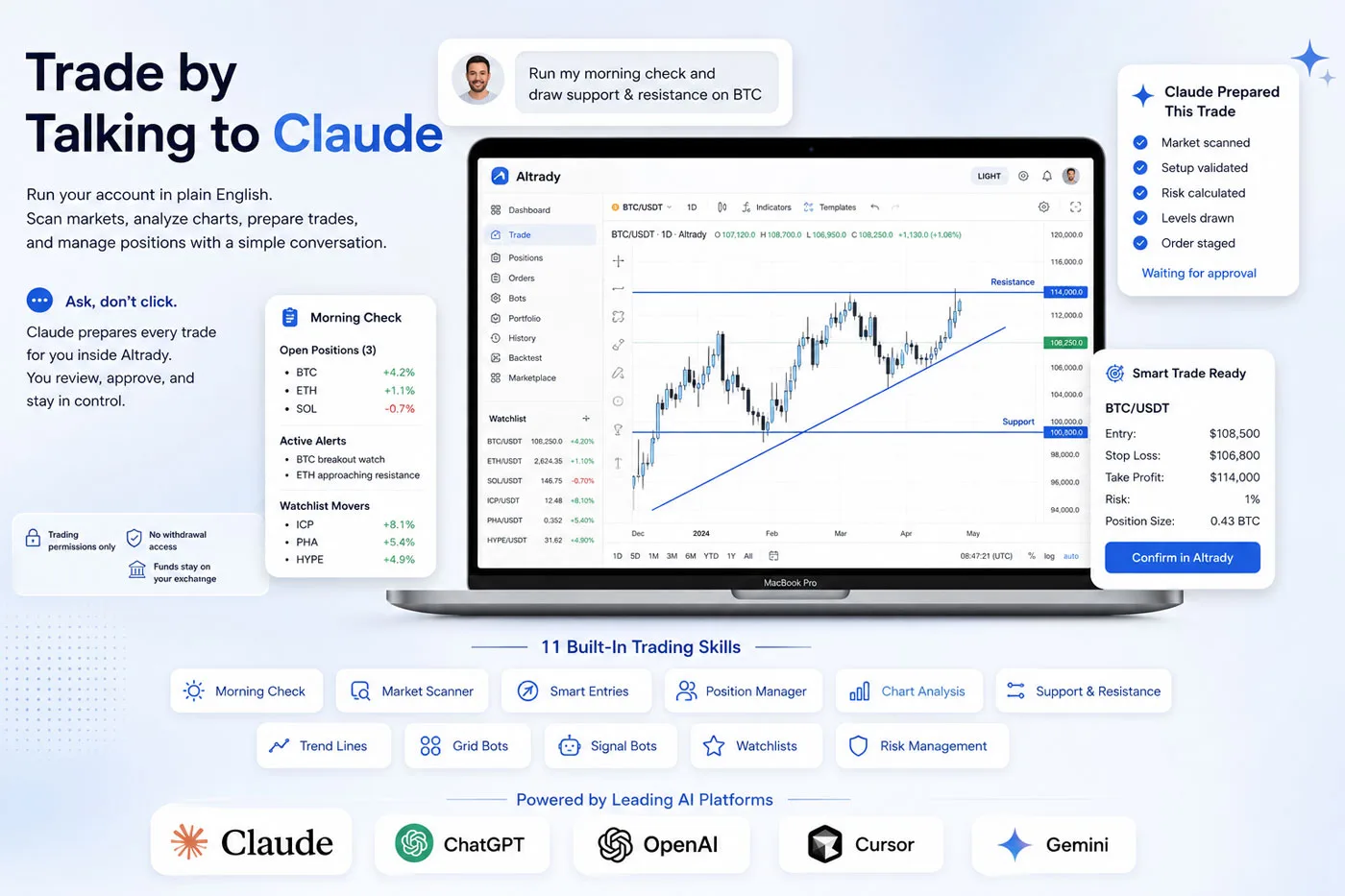
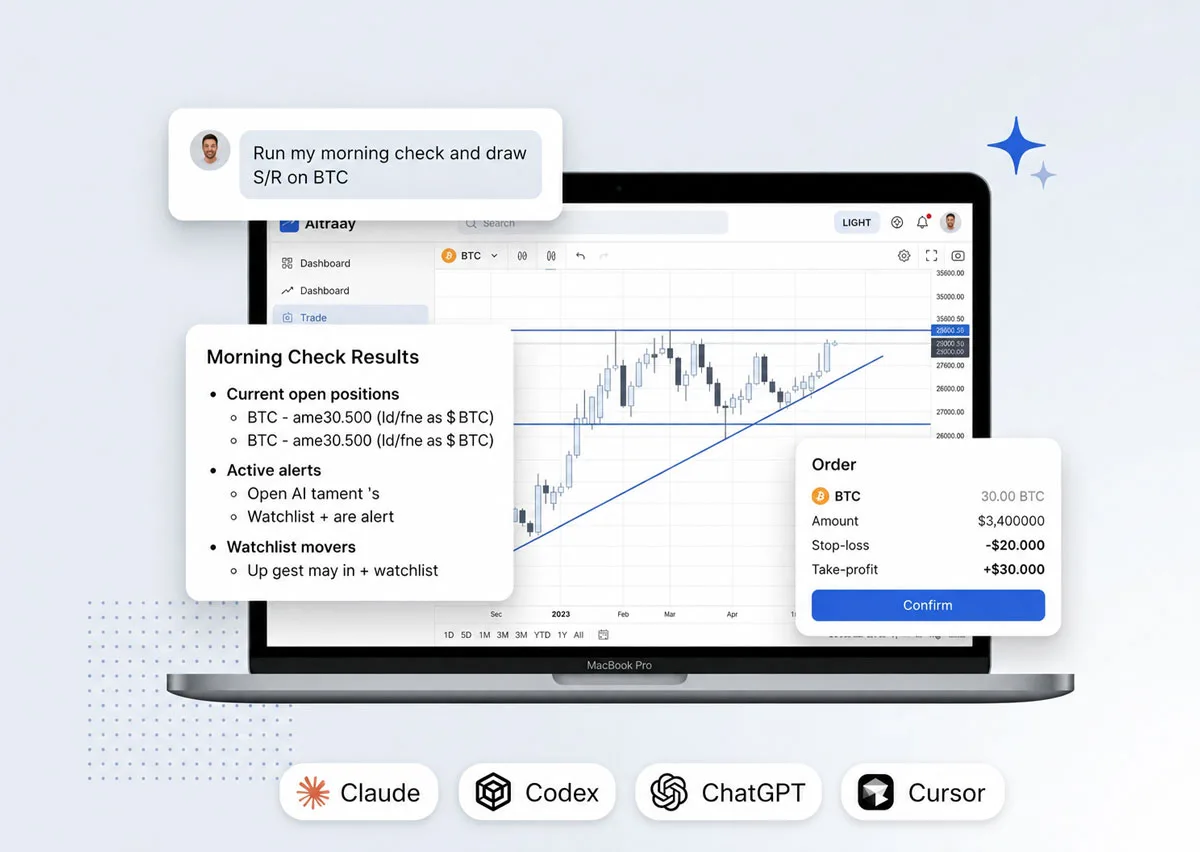
Connect Altrady to Claude — or Cursor, Codex and Claude Code — through MCP and run your account in plain English. Scan markets, analyze charts, manage positions, and prepare trades by typing a sentence. The MCP server runs locally in the Altrady desktop app, and you approve every order.
Your account becomes a live workspace your AI assistant can read from and act on.
Positions, alerts, bots, watchlists, current tickers and OHLC candles — your account becomes live context for every request.
Multi-timeframe analysis with support/resistance, Fibonacci, trend lines and indicators drawn straight on your chart.
Pre-fills a smart position, grid or signal bot, sets alerts and builds watchlists — then hands you the form to confirm.
Every write action queues for your approval inside Altrady. Anything that moves money pauses for your click.
Run your account in plain English: scan markets, check positions, draw your charts, prep trades. Claude does the work — you approve every order.
Real workflows traders run through MCP every day — each one normally a dozen clicks, here it's one prompt.
Install once and drive Altrady from any MCP-capable assistant.
Claude Desktop is the easiest place to start — the free tier works for read and analysis.
Adds direct execute-with-confirmation and a one-paste install for hands-on workflows.
Drive Altrady straight from your editor while you build and research.
Connect OpenAI's coding agent to your account through the same MCP server.
Quick start
Three steps, and your AI assistant is connected to your account.
MCP runs locally on your machine, so it needs the Altrady desktop app (V5.4 or later) and Node.js installed. Your API keys allow trading only — never withdrawals — and your funds never leave the exchange.
In Altrady, open Settings → MCP and copy your server URL and token. This is what lets your AI client connect securely to your account.
Add the Altrady config into Claude Desktop (or Claude Code, Cursor, or Codex), fully restart the client, and start chatting with your account in plain English.
Install the desktop app, enable the MCP server, paste the prompt into your AI client. About two minutes.
Discover more tools to enhance your trading.
MCP (Model Context Protocol) is an open standard that lets AI assistants connect to applications. Altrady's MCP server runs inside the Altrady desktop app and exposes your account — positions, alerts, bots, watchlists, charts, and market data — so an AI assistant can read it and prepare actions on your behalf, with your approval.
Claude (Claude Desktop is the easiest place to start), Claude Code, Cursor, and Codex. Any MCP-capable client can connect using your Altrady server URL and token.
Yes. The MCP server runs locally inside the Altrady desktop app, so you need Altrady Desktop V5.4 or later and Node.js installed. The connection is between your machine and your AI client.
No. The AI prepares trades, bots, and alerts and stages them for your one-tap confirmation in Altrady. Anything that moves money pauses for your approval. Your API keys allow trading only — never withdrawals — and your funds never leave the exchange.
Yes. The MCP server is included on every Altrady plan — Basic, Essential, and Premium — and during the free 5-day trial.
It ships with 11 trading skills: morning check, market scanner, smart entry, position manager, technical analysis with chart drawings, risk sizer, grid bot builder, signal bot builder, alert manager, watchlist curator, and trade review. Read and analysis work fully; for trades, the AI prepares and you submit in Altrady.
About two minutes: install the Altrady desktop app, enable the MCP server in Settings → MCP to copy your URL and token, then paste the config into your AI client and restart it.
Start your free 5-day trial and connect Altrady to Claude, Cursor, Codex, or Claude Code in minutes.